


It’s been quite a few weeks, which made me wonder where the whole September went. Descending Mt. Olympus straight into my inbox. Gladly, now I have someone helping me run all the admin - a team of employees I recently hired.
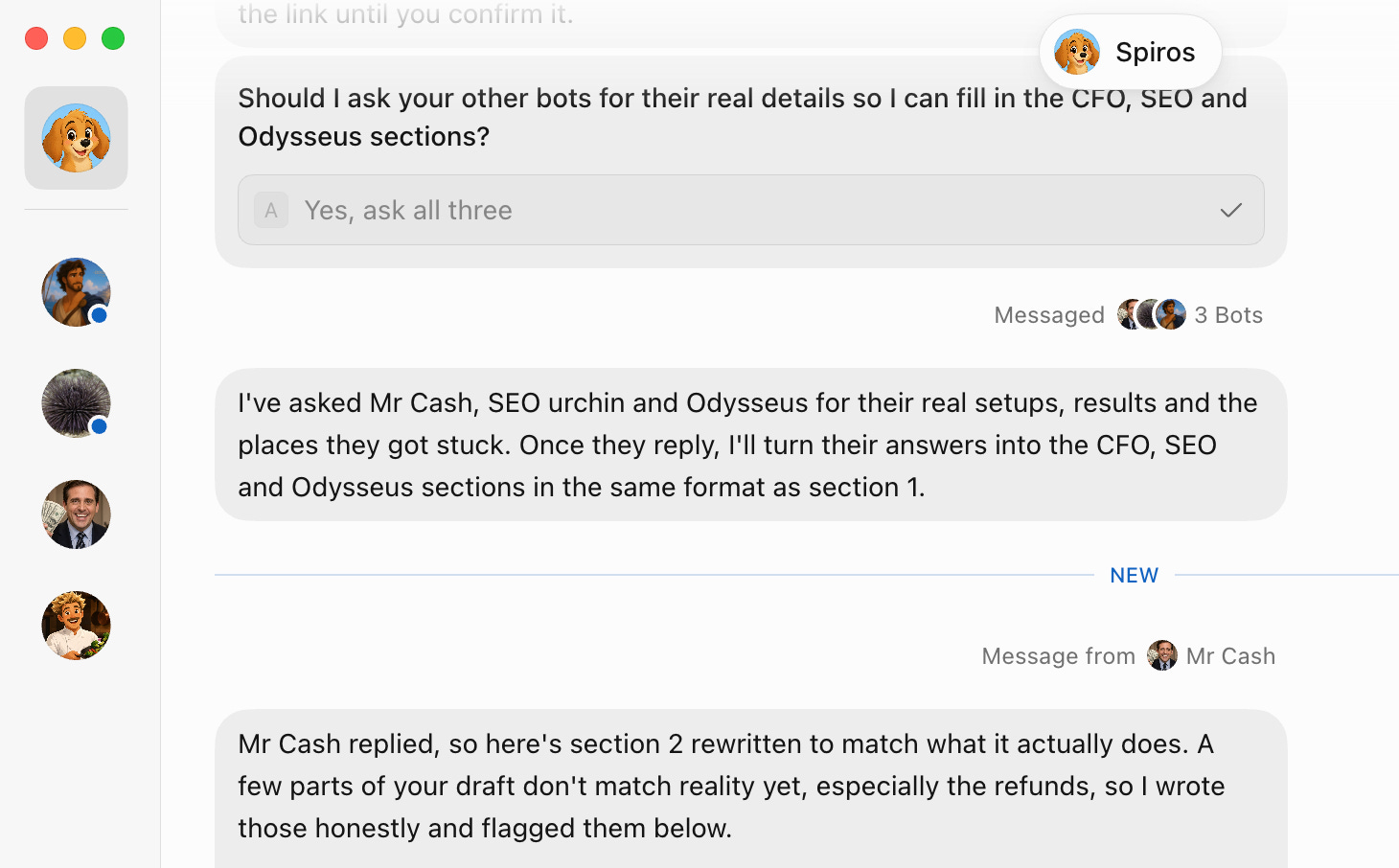
I have 4 Grok Bots: The CFO, my finance Bot, asks me once a month which subscriptions I actually used and disputes refunds for any payments in question with other companies’ support teams so I don’t have to. The Research Bot sends me what the people I follow posted, three times a day. A bot named Odysseus runs my packed travel logistics and keeps my husband’s calendar and mine up to date.
After eight years of running support teams, I know what it looks like when a person is good at a job. This is a review of what they did: task by task, and where they broke.
I’ve been a power user of the Claude ecosystem, managing research (Claude), operations (Claude Cowork), and website production (Claude Code), and it was always enough for getting things done - it felt like it was already taking the maximum technically possible off my plate. I’m telling you that because until I actually tried, I didn’t know I’d find more things to delegate. I started using Grok Bot out of curiosity, trying to keep it open and just say out loud the things I’m working on as I go, exploring whether Grok Bot can actually finish any of that for me. That process lasted 2 weeks and grew into 4 assistants, each with a dedicated role and set of tasks.
In this article, I’m taking you through my Grok Bot setup and sharing a Do Not Churn template you can steal to stay up-to-date on everything happening in AI and Tech.
How Grok Bot works
Grok Bot, from xAI, works like hiring. You create a Bot, give it a name and a role, connect the apps it needs, show it the job once, and put the job on a schedule. It launched in beta on 11 August 2026.
It has a computer of its own, in the cloud. Every Bot works on a persistent cloud computer with a browser, a file system and a terminal, so it keeps working when your laptop is closed and your phone is off. You can open that computer and watch it click through a website in real time. One detail the launch marketing glossed over: all the Bots on your account share one computer, not one each, so they share the same logins and files.
You tell it what to do or just teach it by doing the task once. The “Teach a task” toggle sits in the browser window of the Bot’s computer. You switch it on, do the job yourself (log in, click through, download the statement), and Grok Bot turns the recording into a reusable skill with its steps and decision rules saved.
Skills live in one library for the whole account, so every Bot can use them, and you can call one in chat by typing /. It might be useful for anything that takes an involved step-by-step process you don’t want to spend time explaining or breaking it down, so the whole process of delegation is as seamless as it would have been with a real employee. Although you don’t have to- the easiest way is just to dictate things and send voice notes, and it transcribes them instantly and gets to work.
Routines put the skill on a clock. A routine runs on a schedule (every morning at 7, three times a day) or when something happens, such as a message in Slack or Teams. Each Bot can have up to 50 routines, and Grok Bot keeps the last 20 runs of each. Every run uses up your allowance, even when the Bot wakes up and finds nothing to do: a 15-minute routine runs 96 times a day.
Bots can work together. You can put two to six Bots in one group chat, or pull one in mid-conversation with an @-mention.
It reads X through the front door. Connect your X profile through the X plugin and Grok Bot creates an X developer account for you, with starter API credits for paid users. It reads X through the official channel instead of scraping the website. That is why my X monitor works on Grok Bot and not on Claude, which has no route into X. It’s an advantage that comes from xAI and X being part of the same company.
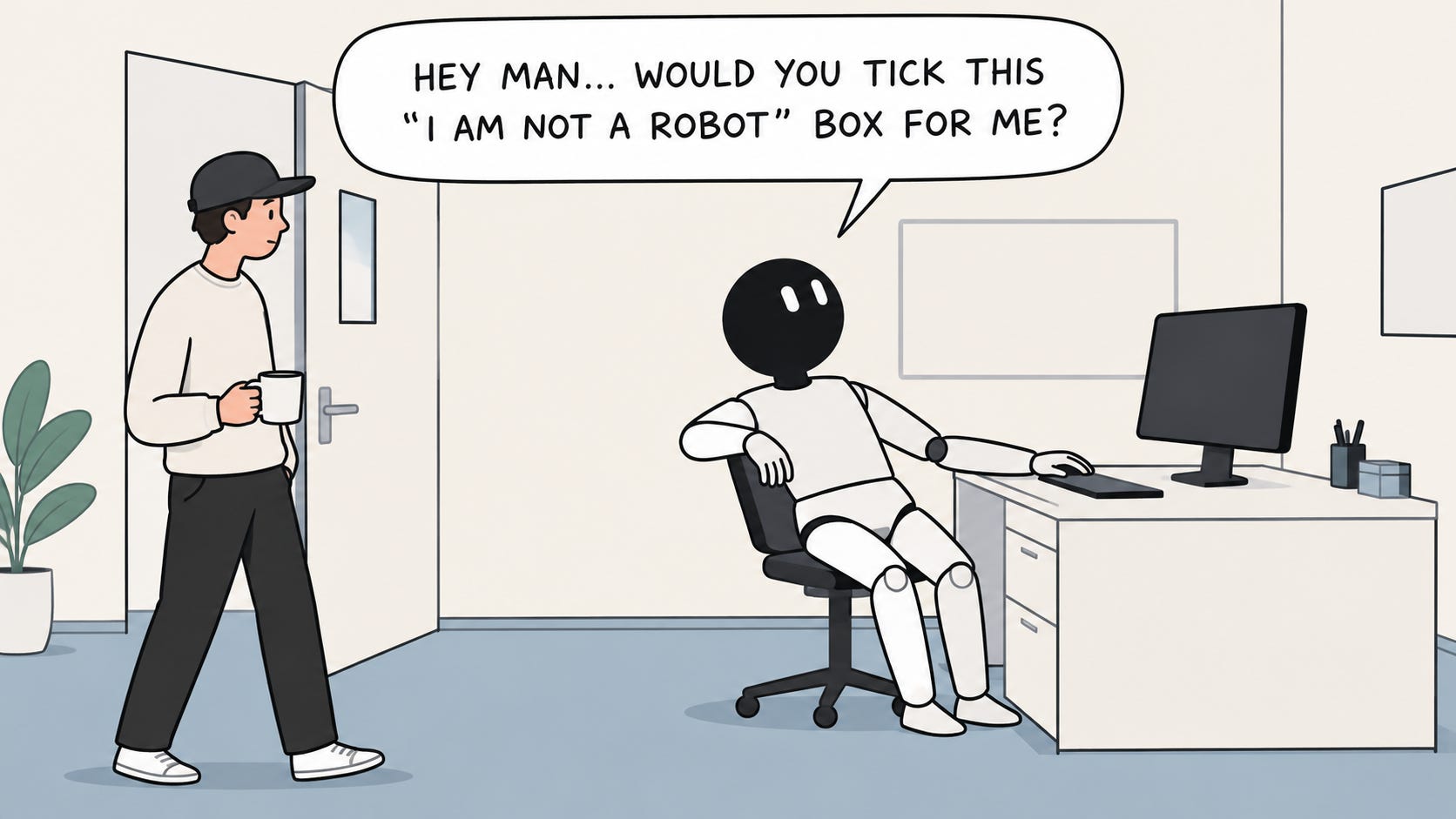
It stops for you when a site asks for proof you’re human. When a website wants a password, a passkey, a two-factor code, a CAPTCHA, or a payment confirmation, the Bot pauses and asks you to take over its computer. You type the code, hand control back, and it carries on.
My Grok Bot setup

My daily news and research assistant
Three times a day, check what a list of people and companies I track have posted, and send me only the updates that matter, with enough context to understand them. In between, it’s my go-to for any question I need researched properly.
It reads X through the official API using the X plugin. Company news comes mostly from the companies’ own blogs and changelogs, which it opens directly every run. The list has 19 core companies (OpenAI, Anthropic, Cursor, Stripe, Figma, Vercel, Notion, Meta, Google and others), 22 people I follow closely (Guillermo Rauch, Jeff Weinstein, Anton Osika, Wade Foster, Dylan Field and others), and a lighter second tier of about 30 fast-growing startups. “Important” means a launch, a blog post, an executive statement, funding, an acquisition, a big hire or a major partnership from the last 24 hours. Every item is tagged with one of nine themes I write about, like “Trust & verification of AI output.”
A routine runs at 11:00, 15:00 and 20:00. It skips anything it already sent that day and stays silent if nothing new came up. Here’s an item from one of my briefings: “OpenAI: Invisible watermarks for AI text under the EU AI Act. Over the coming weeks, eligible ChatGPT output in the EU will carry a hidden watermark. OpenAI’s own numbers show detection falls from about 92% to 66% when 10% of the words are swapped for synonyms.” That means anything written with ChatGPT in Europe will soon be labeled as AI-generated.
I find it hard to stay up to date on all the news, especially in the AI space where something happens hourly, and now I just don’t need to worry I’ll miss something important.
The research side. Whenever I hear about something new, I just ask. In one evening it explained what Jev, a new AI decision model, is and how I could use it. It also went through the Grok Bot marketplace and summarized what people build with it.
Claude can’t read X, and its scheduled tasks aren’t built to check a feed three times a day with this little delay.
The X API charges per read, so I capped each news run at about $0.30. Even so, the credit ran low this week, mostly because I used the same credit for research. One handle on my list kept failing because the X API rejected it as invalid. One midday run also failed while I was still on the trial plan, and a catch-up run filled the gap once I upgraded.
Get the template
I published my news setup as a free template for Do Not Churn subscribers.
It includes the watchlist structure, the instructions for what counts as news, the schedule, the X connection, and a short setup guide with my own answers as examples. Swap in the people, companies, and themes from your field.

The SEO Bot
The job: help me plan SEO content, track how my pages are doing in search, and catch problems on the website before they cost me traffic.
It reads Google Analytics and Search Console through my browser, where I’m signed in, and it checks keyword demand with free tools like Google Autocomplete, Google Trends and live search results. It runs a short growth check every weekday morning, and it does keyword research and SEO audits whenever I ask.
Each report covers my recent traffic and how it’s trending, where visitors come from, my top pages, my search clicks, impressions and rankings, and one concrete next step. It doesn’t hand me a wall of data, just a summary and the most important metrics.
What came back. It finds pages that show up in Google but don’t get clicked, and tells me how to fix them: a sharper title, a better meta description, a clearer heading, or an FAQ section Google can read. The most valuable finds were technical, though. During one audit, it noticed that my site was telling Google to index a test version of the site instead of the real one, and that some pages were missing from the sitemap. Problems like that can silently drag down a whole site, and I wouldn’t have spotted them myself.
Where it broke. Every keyword tool with real search volumes blocked it or asked for a login or captcha. That included Ahrefs’ free generator, Semrush, Ubersuggest, AnswerThePublic, and WordStream. So it never gets exact monthly search volumes or difficulty scores. It judges demand from Google Trends comparisons and how deep the autocomplete suggestions go.

Odysseus,
My travel manager and Chief of Staff
I move all the time, often to odd places, so the logistics never stop. Odysseus finds tickets and hotels, builds itineraries, keeps my husband’s calendar and mine up to date, and pulls the travel details out of my email so I don’t have to open it.
I gave it my travel preferences once, and it remembers them. No 4 AM flights or trains on time when I don’t function yet; later departures by default, and only suggests an early alarm when there’s no other way, and it tells me why.
It shortlists flights and hotels with live prices, refund rules, and baggage costs, compares them side by side, and waits for my approval before paying. It repeats the exact itinerary and total back to me before every payment. It saves me hours choosing a restaurant for an occasion, finding one with an open table at the right date and time (so far only in big European cities, where most restaurants use an online booking system).
Where it broke. The first time it booked a train Athens - Thessaloniki, but when I had to buy return tickets, the website blocked access. I stopped it and told it that some restaurants and tours only take bookings by phone, and it can’t make calls.
The CFO

Watches my subscriptions and charges, keeps an eye on my affiliate income, sends a monthly financial report, catches blind spots, and prepares my tax paperwork for my accountant.
It reads receipts from my email, and I signed it into my app store account (I did the two-factor step myself) so it can see my subscriptions. It’s also signed into my affiliate dashboard. I chose not to connect my bank; I just upload statements when they’re needed.
Once a week, it checks my affiliate dashboard and tells me what changed and why. Once a month, it reviews my subscriptions and charges and sends me a short report.
What came back. My first monthly report, built only from email receipts, showed what I’d spent across all my tools and services, including a big annual renewal I’d barely thought about. It also noticed that payments to one of my cards had been failing for several tools. Going through my statements, it found a bus ticket I’d been charged for twice.
Where it broke. It couldn’t cancel a subscription until I’d signed it into my account myself. It also couldn’t save the email to my accountant as a draft with the attachments, so I sent that one by hand.
What I'm testing next
The CFO’s refund duty. Things like a double charge, a subscription that renewed after I cancelled, or a service that didn’t deliver come up from time to time. So far it has only flagged these, like the double-charged bus ticket. The next step I’m testing is letting it chase that refund itself. It has everything it needs to write the request: the receipt from my email, the order details, the amount, and the date. It can send that by email, or type it into a company’s support chat from the browser on its computer (so I don’t have to deal with clunky interfaces or talk to other companies’ bots) once I’ve signed in to my account. I approve every message before it goes out under my name. What I want to find out is how far it gets before a support flow asks for a phone call, an ID check, or a captcha. I ran support teams for eight years, so I’m also curious what it’s like from the other side.
Hidden revenue opportunities. One of my businesses earns affiliate commissions, and I track them on a dashboard where I can see the number go up or down. Right now, the CFO checks that dashboard twice a week and tells me what changed and why, like a canceled booking that pulled the total down. What I’m testing next is having it go beyond reporting and give me insights: what’s driving the number, what I could adjust, and what I could do differently to grow it.
***
A recent update lets you choose one of your bots as your main bot. It checks in with you proactively, offers to take work off your plate, and coordinates with your other bots. Bots could already message each other, but now one of them is officially in charge.
What you can’t see or change
Not being able to have access to all the instructions that make the agent who it is might be one big downside for AI nerds and power-users.
OpenClaw, the open-source assistant that started this wave, kept everything in plain text files you could open and edit. SOUL.md set the agent’s personality and tone, USER.md held what it knew about you, AGENTS.md held its rules, and a memory folder kept a daily note of what happened. The agent read those files at the start of every session. If it got something wrong, you opened the file, saw why, and fixed it.
Grok Bot gives you only a part of that. You can see each Bot’s routines and when they run, and skills you’ve taught it. What I can’t do is open the equivalent of a soul file: one place showing who the Bot thinks it is, what it has remembered about me, and the rules it follows, so I can check it’s capturing everything I want and correct it directly. When the CFO miscategorises something, I correct it in chat and hope the correction sticks.
Set Up Cost
Setting up yet another personal assistant needs time to adapt to, to have it on alongside whatever you do, for at least a week - to understand if it’s actually taking things off your plate.
I use a simple formula to run a quick evaluation of whether there’s more value than my time commitment of supervising a newly set up agent:
Count the minutes it saved you this week, then subtract the minutes you spent supervising it. When that number turns negative, the agent has stopped being staff and started being another inbox.
More resources on Grok Bot:
(if you want to dig deeper)