

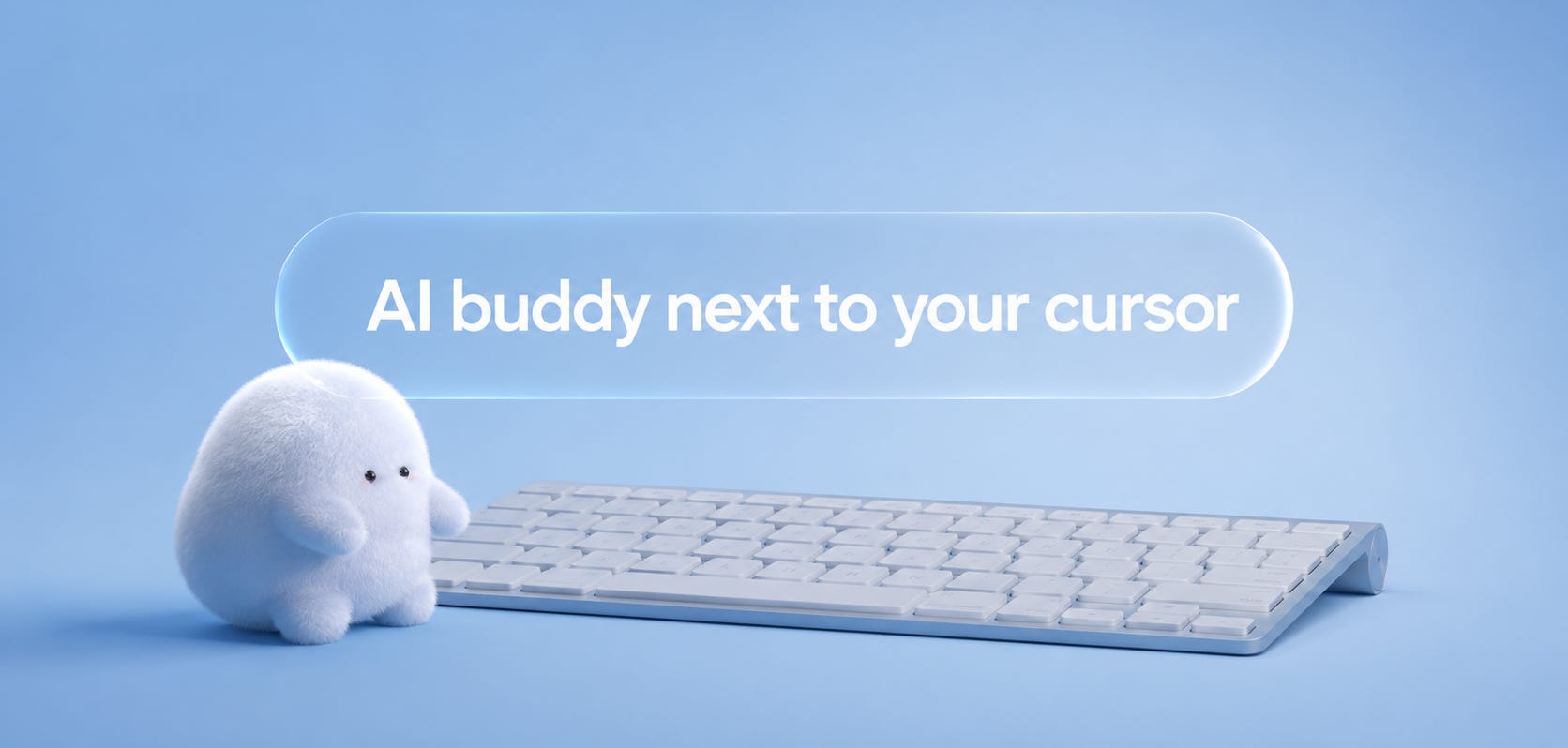
Every time I get to learn an unfamiliar piece of software, I find myself in the same loop. I open the app, I get confused by something within the first ninety seconds, and close the window, rumbling to myself: “Okay, it's harder than I thought”.
I open another tab, search “how to do X in Y,” scrub through three YouTube tutorials at 1.5x speed, watch a TikTok of someone’s hand pointing at a button I can’t find in my version of the app, lose my place twice trying to bring the original window back into focus, and return to the project with a partial memory of what I was supposed to do.
It multiplies by every prosumer tool the modern creator (or solo-founder) is supposed to know - DaVinci, Blender, Figma, Logic, After Effects, CapCut, Notion, Linear - and the cumulative cost of self-learning becomes the reason most of us know one or two tools well and twenty others badly. It appears that the friction isn’t in finding the answer, but in holding two windows open in your head at the same time.
That wasn’t always the case. It was, actually, worse.
In the 1990s, learning unfamiliar software meant buying a 600-page Wiley manual or watching a corporate training VHS at half speed in a fluorescent-lit conference room. The friction was so high that most professional software was learned in cohorts - you took a class, you sat next to a colleague who already knew Photoshop, or you didn’t learn it at all.
Then the long pivot began. Manuals became PDFs; PDFs became help websites; help websites became Stack Overflow threads; Stack Overflow became YouTube tutorials; YouTube became 90-second TikToks of someone’s hand showing you where the bevel modifier lives in Blender. The cost of finding the answer collapsed at every step. The cost of interrupting your work to find it did not.
The volume of available help exploded, but the shape of the friction stayed exactly where it was for thirty years.
That’s the gap Clicky closes. Open DaVinci Resolve, hit Control + Option, ask the small AI named Clicky what the color wheels are for, and a glowing blue triangle flies across your screen and points at the exact button you need to press. Six days after launch, the $9/month product hit $1,000 in monthly recurring revenue. The launch tweet pulled 2.9 million views. The day after that, the founder open-sourced it.
Farza Majeed, raised in Pembroke Pines, Florida, started his first company at 13 - selling blank DVDs and t-shirts on eBay, hitting $100K in revenue by 15. CS at the University of Central Florida; then deep learning engineer at Mayhem, CTO at Kanga, and in December 2019, he founded Buildspace - the YC- and a16z-backed school that raised $10M to teach people how to build their own ideas. Clicky is what happens when the founder of a learning school decides the school should live next to your cursor.
The companion product in this story has a different shape. Screenpipe is the local-first memory layer that records everything happening on the user’s screen and microphone, 24/7 - built by Louis Beaumont, a former French intelligence engineer and Techstars alum based in San Francisco. Founded in 2024 under Mediar, Inc. with co-founder Matthew Diakonov and backed by LG Ventures, Screenpipe went from weekend project to 15,000 GitHub stars, 100,000 users, and $100K in revenue inside its first weeks. Same category as Clicky on the surface. Opposite contract underneath.
Hard to imagine we ever lived without a teacher who sees what we see and points at what we need.
Clicky
the teacher who lives next to your cursor
Clicky is optimized for what I’d call companionable real-time teaching and does its job extremely well.
Primary intent: Learning by doing, with company.
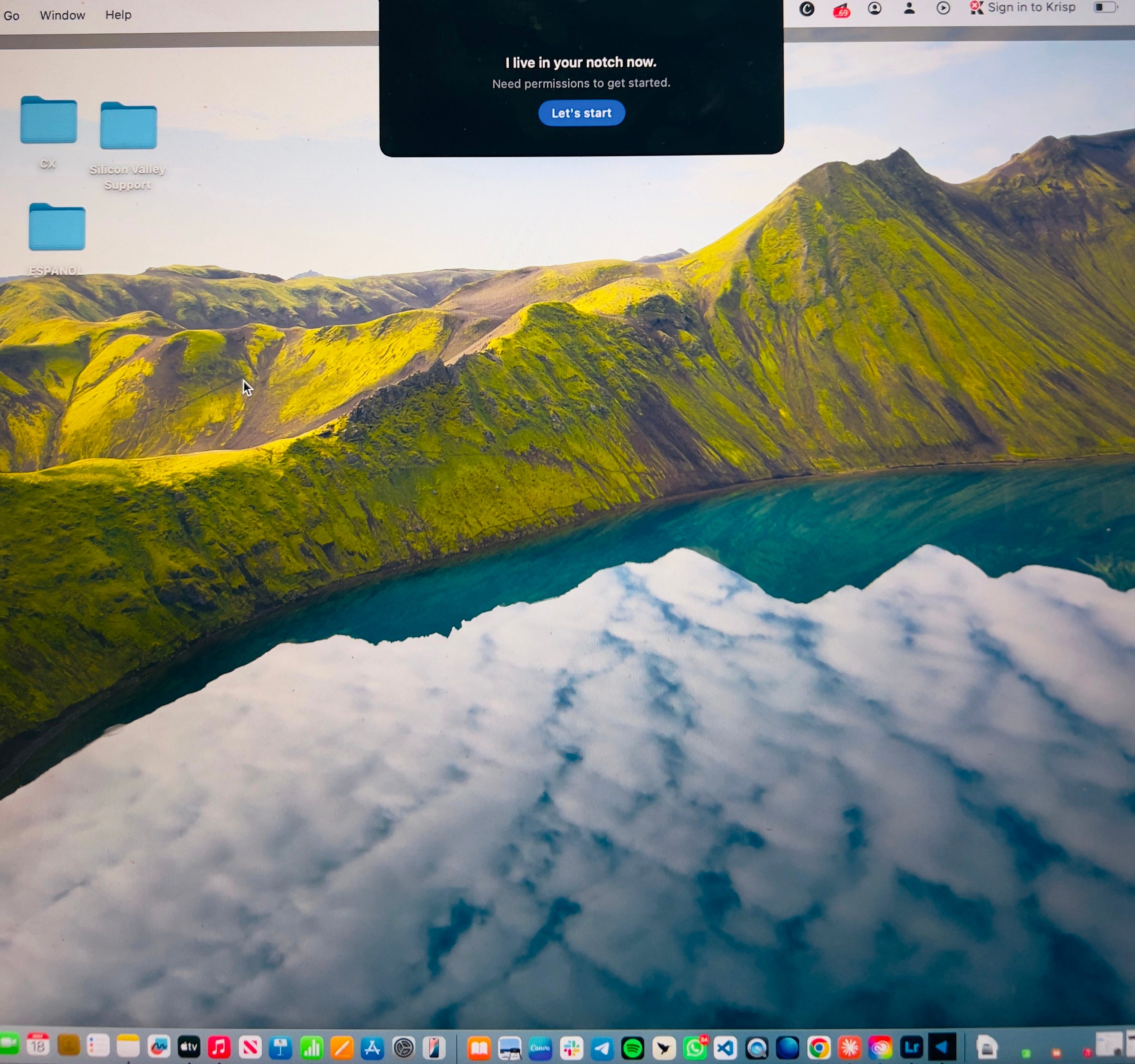
Job it does:
“I want to figure out the unfamiliar piece of software I just opened, in real time, while I’m using it. And… I don’t want to leave the app I’m in, watch a 12-minute YouTube tutorial, and try to remember what the person said by the time I get back.”
It translates to:
User hits Control + Option
Clicky screenshots the screen
User asks the question
Claude reads the screen, ElevenLabs voices the response
A glowing blue triangle flies across the screen and physically points at the UI element the user needs to interact with
The optional “clicky agent” command spawns a background agent to research, build, or automate something autonomously.
Best users:
Solo creators learning unfamiliar professional software (DaVinci, Blender, Logic Pro, Figma)
Founders researching competitors and wanting a second pair of eyes on what they’re reading
Hobbyists picking up a new tool they’ll use once and then put down
Kids building games who need someone to explain what they’re looking at
Churn watch: After the third or fourth time the triangle points at a button, the magic compresses into utility - and utility competes on price. The 10-message memory window means longer learning arcs cannot be sustained inside one session. Because Clicky runs on Claude, Anthropic could ship a first-party version of this UX and compress the moat overnight. The defensible position is not the screen-pointing mechanic - it’s the agentic layer the user discovers on the second visit.
Screenpipe
the memory layer that watches in the background
Screenpipe is optimized for what I’d call silent total recall and does its job extremely well.
Primary intent: Continuous memory of everything that happened on the user’s screen.
Job it does:
“I want to be able to ask ‘what did that client say about pricing in our call three Thursdays ago’ and get the actual answer. And… I don’t want to take notes during the call, or invite a bot to the meeting, or trust that I’ll remember what mattered later.”
It translates to:
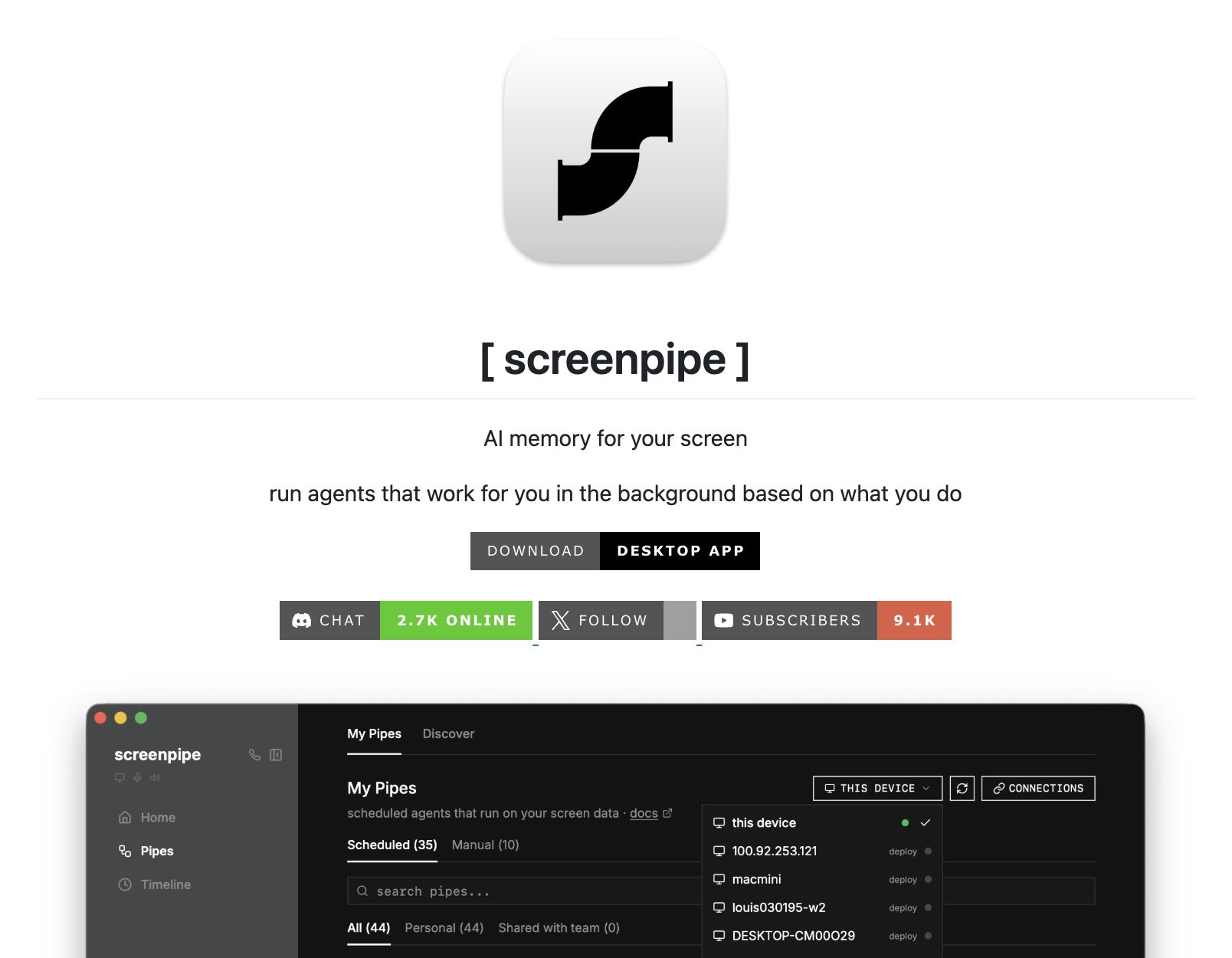
Screenpipe runs locally in the background
Captures screen and audio 24/7
Indexes everything into a searchable local database
The user queries it later in natural language
Developers extend it with “pipes” - custom modules that act on the captured data.
Best users:
Founders and operators who live in back-to-back calls and need cross-meeting recall
Researchers who watch hours of recorded interviews across sessions
Developers building agentic tools on top of their own activity stream
Privacy-conscious knowledge workers who want a memory layer without the cloud
Churn watch: The shape of churn is the opposite of Clicky’s. Adoption friction is high - installing a local daemon, granting screen and microphone permissions, watching disk usage climb. The user has to commit before they have proof of value, because the value compounds only after the first month of accumulated history. If the user doesn’t query Screenpipe within the first 30 days, they uninstall before the corpus is big enough to be useful.
Why the category keeps reinventing itself
The dream of building a small mechanical companion is older than software.
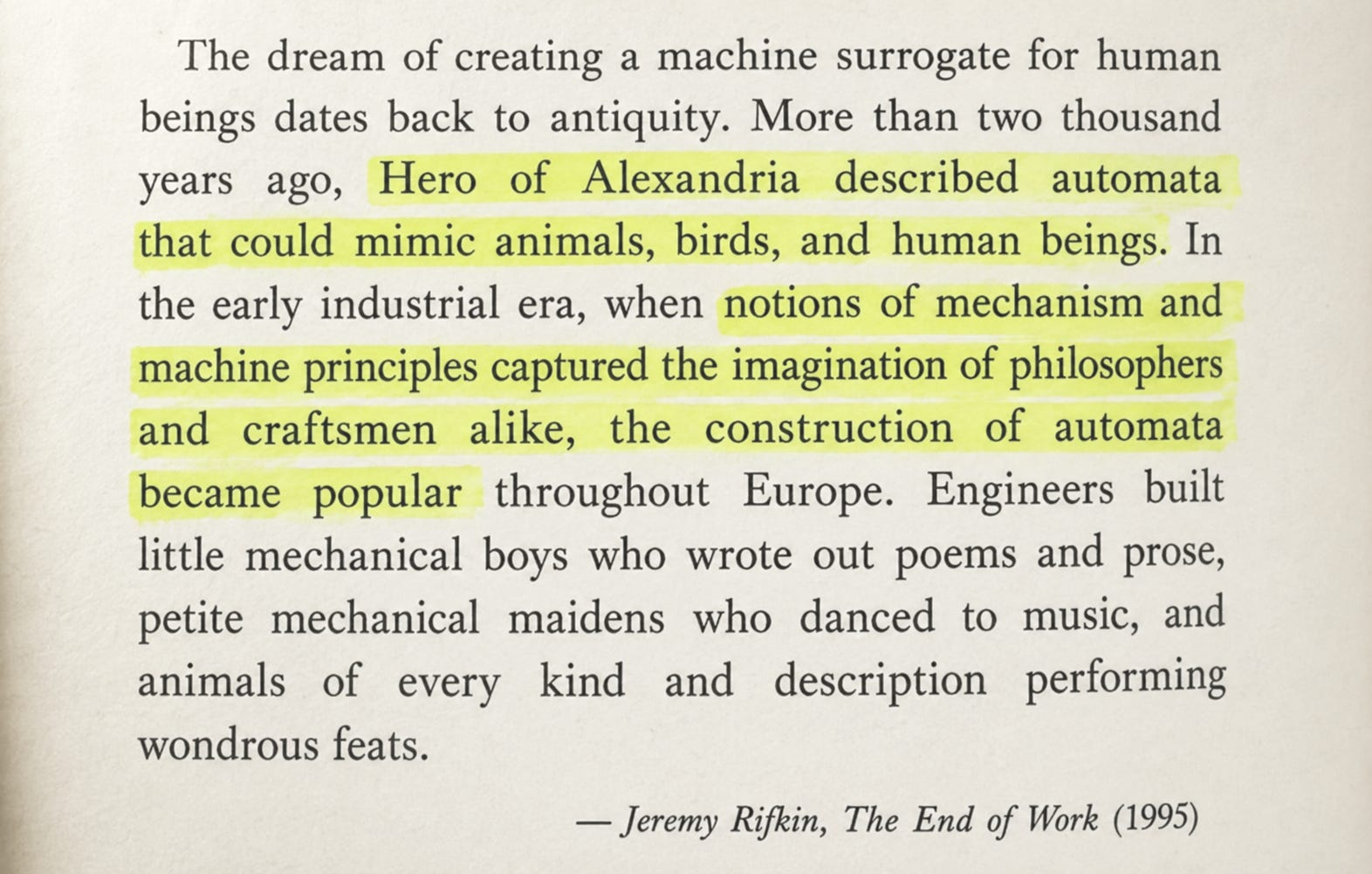
What Rifkin names is not a technology but forever present, recurring human appetite - the desire for a small, attentive, slightly mechanical helper-figure at the edge of one’s work has shown up in every century where the tools to build one existed. Hero built automata for temples. The clockmakers of 18th-century Europe built mechanical boys who wrote out poems. Microsoft built Clippy and Cortana. Now Farza has built Clicky.
The category keeps reinventing itself because it keeps finding it’s way to work. The technology gets close enough to a real assistant that users get excited, and then close enough to a real annoyance that users uninstall. Clippy was retired in 2007; Cortana was shelved in 2023. The April 2026 Tom’s Hardware retrospective on Clippy’s 25th anniversary called it “Microsoft’s hapless office assistant” - a face users hated because the assistant pretended to be a friend without earning the right to be one.
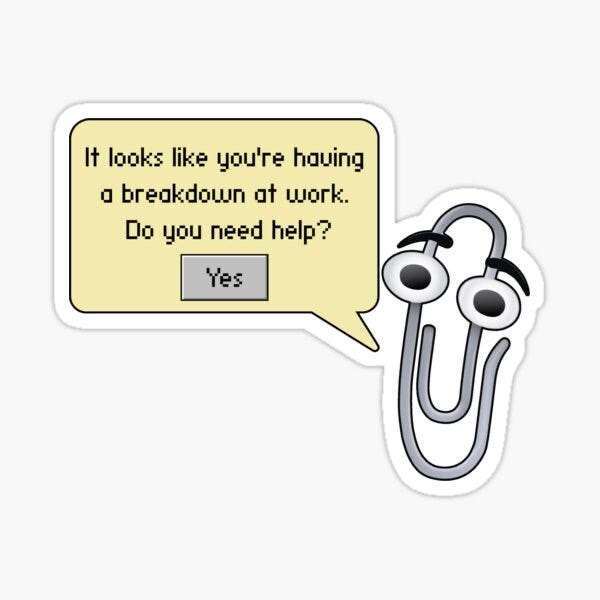
Clicky understands what Clippy didn’t: the triangle is not a face, and the buddy framing lives in the copy rather than in a pair of cartoon eyes. The contract - I summon you, you appear, you help, you leave — avoids the failure mode Clippy died of. Screenpipe understands what Cortana didn’t: it makes no pretense of personality. It is a database with a daemon, and the contract - I trust you in the background, I consult you on my schedule - avoids the failure mode of an ambient assistant that keeps interrupting to remind you it exists.
Two thousand years after Hero, the lesson is the same: users want the helper to know its place.
The six retention mechanisms inside screen-aware AI
1. Summoning ritual (Clicky’s Control + Option hotkey) - Every interaction is opt-in, which prevents the uninvited-help failure mode that killed Clippy. Why it prevents churn: the user never feels watched when they didn’t ask to be watched.
2. Visual pointing (Clicky’s blue triangle) - The AI doesn’t describe where to click; it points. This compresses the overhead of translating a verbal instruction into a physical action. Why it prevents churn: the post-wow plateau is delayed because the gesture is genuinely faster than any alternative form of help.
3. Voice-first interaction (Clicky’s ElevenLabs layer) - The user speaks the question and hears the answer, never breaking focus on the screen they’re trying to learn. Typing would force a return to the keyboard and a context switch; voice keeps the eyes where the work is.
4. Compounding personal corpus (Screenpipe’s local indexed history) - Every additional day of recorded screen and audio makes the next query more valuable. The switching cost is not technical; it’s historical. Why it prevents churn: the longer the user stays, the more expensive leaving becomes.
5. Local-first architecture (Screenpipe’s no-cloud commitment) - For a user about to grant 24/7 screen and audio recording, the only acceptable trust frame is “this never leaves my machine.” Local-first is not a feature; it’s the precondition the use case requires. Why it prevents churn: a privacy breach, real or rumored, would collapse the entire user base overnight. Local-first defuses that risk structurally.
6. Agentic delegation layer (Clicky’s “clicky agent” command, Screenpipe’s “pipes”) - The product earns its second visit by being more than a teacher. Both products turn the screen-aware base into a launchpad for something stickier. Why it prevents churn: graduation churn - the student outgrows the teacher - is defused when the teacher becomes an assistant.